
Our Google Stitch review looks at what Google describes as an “AI-native software design canvas”
Published June 2026. Updated October 2026
Our Google Stitch review looks at what Google describes as an “AI-native software design canvas” that turns natural language prompts, sketches, voice commands and images into high-fidelity user interface designs with exportable production code.
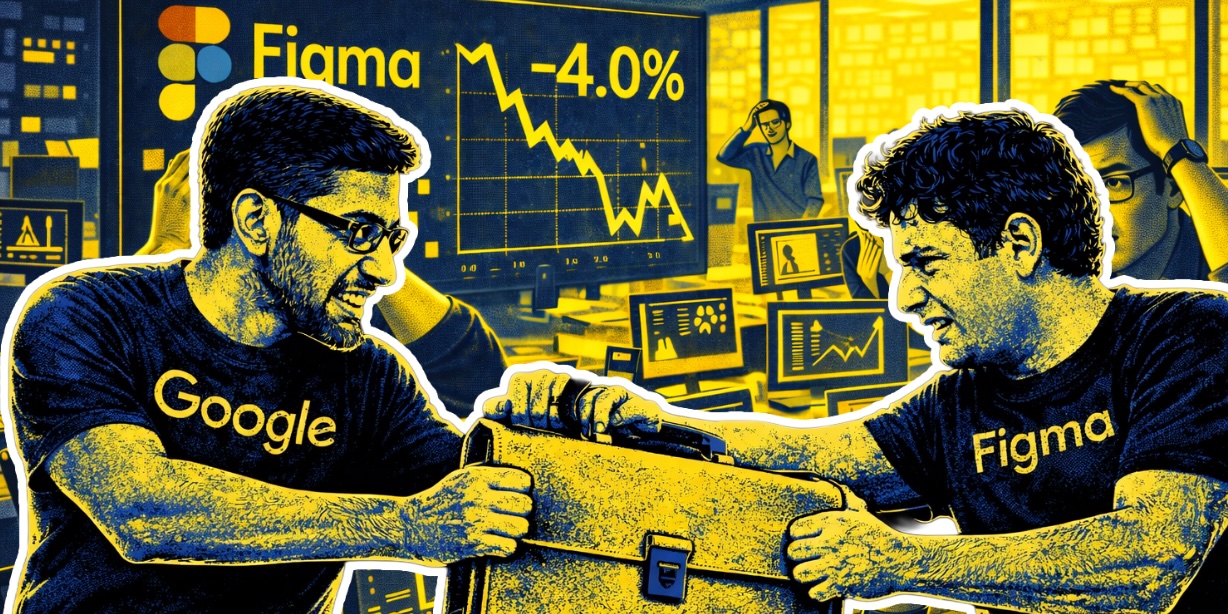
Originally launched in May 2025 as a Google Labs experiment (following Google’s acquisition of Galileo AI), Stitch received a major overhaul on March 18, 2026 that rebuilt the tool around an infinite canvas, multi-screen generation, “vibe design” workflows and voice input. Figma’s share price dropped more than 4% in the days after the update landed. That tells you something about how seriously the market is taking it.
UPDATE, October 2026: Google added the Stitch Agent at I/O on 19 May 2026. It designs in real time as you type or speak, imports existing codebases and design files, exports screens to Google Antigravity and publishes to the web through Netlify.
For SMEs, the question is whether this tool deserves a place in your workflow. The short answer: yes, for specific use cases, with honest caveats you need to understand. Here’s our balanced take.
Google Stitch Review: What It Actually Does
Google Stitch is a UI design tool, not a general-purpose design platform. That distinction matters. If you need a tool for marketing materials, pitch decks, social media graphics or brand assets, Stitch is the wrong choice. What it does do, and does genuinely well, is generate structured user interface designs for apps and websites from natural language descriptions.
The core workflow: you describe what you want to build (“a mobile banking app with account overview, transaction history and transfer screens”), and Stitch generates a complete set of UI mockups with proper layout, typography, spacing and component structure. The March 2026 update extended this significantly. You can now generate up to five interconnected screens simultaneously, map user journeys automatically, work on an AI-native infinite canvas that accepts images, text and code as context, and export production-ready code in seven different frameworks including HTML, CSS, Tailwind and React.
The tool runs on Google’s Gemini models. Standard mode uses Gemini 2.5 Flash with 350 generations per month included. Experimental mode uses Gemini 2.5 Pro with a lower monthly cap (between 50 and 200 depending on source and Google Labs rotation). The whole thing is free, with the caveat that it remains an experimental Google Labs product without a committed pricing model or confirmed long-term availability.
UPDATE, October 2026: Experimental mode now allows 200 generations a month, alongside 350 in Standard mode.
Google Stitch Review: What It’s Genuinely Good At
Credit where it’s due. Stitch excels at solving a specific problem for SMEs: getting from a blank page to a working first draft of a UI in minutes rather than days.
Speed of ideation. If you’re a founder, product manager or agency trying to communicate a UI concept to stakeholders, investors or developers, Stitch lets you generate a concrete visual direction in minutes. Instead of describing what you mean in words or spending a day wireframing, you can produce ten different design directions before your first coffee. For early-stage concept work, this is transformative.
Image and sketch to UI. Upload a screenshot, a rough sketch or a competitor’s page, and Stitch will interpret it into a polished design. For SMEs benchmarking against competitors or converting hand-drawn ideas into structured mockups, this is a genuine time-saver.
Production code export. Stitch outputs clean HTML, CSS, React and Tailwind code. For small development teams, this bridges the typical gap between design and implementation. You’re not handing off a static Figma file that someone has to painstakingly rebuild. You’re handing off working code that can be refined rather than rewritten.
Multi-screen user flows. The updated Stitch can generate logical next screens based on user clicks, mapping out full user journeys automatically. Click “Play” and you can preview an interactive prototype. For validating app flows before committing to development, this is a serious accelerator.
Zero cost to try. Free access through a Google account, no credit card, no commitment. For SMEs evaluating whether AI design tools fit their workflow, the barrier to entry is effectively zero.
Google Stitch Review: Where It Falls Short
This is where the honest critique matters, because Stitch’s limitations are real and specific.
No design system management. You cannot define and enforce a component library, design tokens or brand guidelines across projects. For any business serious about visual consistency (which should be every business), this is a significant gap. Each Stitch project starts from scratch without knowledge of your brand. You’ll need to provide brand direction in every prompt or export to another tool for systematic application.
UPDATE, October 2026: This point is out of date. The March 2026 update added DESIGN.md, a markdown file that stores a project’s colours, typography, spacing and component rules. Stitch can extract one from a website address, and you can import it into other projects and tools. Stitch still offers nothing like the component library management in Figma.
Limited fine-grained editing. Stitch generates designs, but editing them within Stitch is restricted. You can regenerate with different prompts or use the new Direct Edit feature for component-level changes, but you cannot manipulate individual elements with the precision that Figma or Sketch offers. For polishing a design from “looks good” to “production-ready”, you’ll usually need to export and refine elsewhere.
No real-time collaboration. Stitch is currently a single-user tool. No multiplayer editing, no team workspaces, no commenting or review flows. For design teams used to Figma’s collaborative model, this is a meaningful workflow regression.
Inconsistent accessibility compliance. WCAG accessibility compliance is variable and often requires manual review. For businesses building public-facing products, this is not a minor issue. Accessibility is both an ethical and legal requirement, and a tool that can’t reliably meet those standards needs human oversight.
Experimental status risk. This is the one we’d highlight most for SMEs making longer-term workflow decisions. Stitch remains a Google Labs experiment. Google has not committed to long-term availability, pricing, or an enterprise roadmap. Google’s history with product killing is well documented. Google Wave, Google+, Stadia, Inbox, Google Reader. The list is long. Building critical workflow dependencies on an unannounced-pricing Labs experiment is a risk that needs to be weighed honestly.
Narrow scope. Stitch is UI design only. If your business needs an AI design tool that spans marketing, branding, presentations and internal documents, Stitch does not fill that gap. You’ll still need other tools for those outputs.
Google Stitch Review: Who Should Actually Use It
Our honest take, based on testing and what the broader review community has reported:
Stitch is genuinely useful for: - Solo founders prototyping app or website concepts without a design budget - Product managers needing to communicate UI ideas to stakeholders quickly - Small development teams wanting production code exports to accelerate builds - Agencies exploring multiple design directions before client presentations - Existing designers using it as an ideation partner for the “blank page” phase
Stitch is less useful for: - Businesses with strict brand consistency requirements (until design system features mature) - Teams that need collaborative design workflows - Public-facing products with strict accessibility compliance needs - Agencies or businesses wanting an all-in-one visual design tool
The productive framing we’ve seen repeatedly in reviews is this: Stitch is an accelerator, not a replacement. It’s excellent at the “zero-to-one phase” of design (blank page to solid first draft) and weaker at the “one-to-100 phase” (refining designs into production-ready, brand-consistent, accessible systems). Use it accordingly.
How Google Stitch Fits a Broader AI Strategy
Stitch is one piece of a much larger AI shift SMEs need to understand. The same company that built Stitch just released Gemma 4, frontier-level open-source models you can run on your own hardware. Google’s Gemini AI is now powering Apple’s Siri across 2.2 billion devices. Nvidia is consolidating the entire AI infrastructure layer and autonomous AI agents are reshaping how work gets done.
UPDATE, October 2026: Apple released the Gemini-based Siri with iOS 27 on 14 September 2026. It runs on iPhone 15 Pro and later and on iPads with an M1 chip or newer, so it does not reach every Apple device. Siri AI is not available in the EU at launch.
For SMEs, the practical question isn’t whether to use Stitch. It’s how tools like Stitch fit a broader AI strategy that actually delivers commercial value. A design tool that saves three hours a week is only valuable if it’s part of a coordinated approach to where AI fits your business. That’s the kind of strategic thinking that belongs in an AI Workshop and an AI Roadmap, not in ad hoc tool adoption.
The businesses getting the most from AI right now aren’t the ones using the most tools. They’re the ones using the right tools, in the right contexts, with a clear plan for how everything connects.
The Bottom Line
Our Google Stitch review verdict: this is a genuinely useful tool for specific use cases, with real limitations that need to be understood before committing workflow dependencies to it. For SMEs looking to rapidly prototype UI concepts, accelerate the design-to-development handoff, or explore design directions without a dedicated design team, Stitch delivers meaningful value at zero cost.
For anyone looking for a complete design solution, enterprise-grade collaboration, strict brand consistency or long-term platform stability, Stitch is not the answer. At least not yet.
Use it where it fits. Be honest about where it doesn’t. And don’t build critical workflows on an experimental product until Google commits to its future.
Complete our free AI Readiness Assessment to understand where tools like Google Stitch fit your business, and how to build an AI strategy that delivers real commercial value.
.png)
.png)
%20(1).png)