
MCP vs CLI for AI Development: Why Most Teams Are Choosing the Terminal
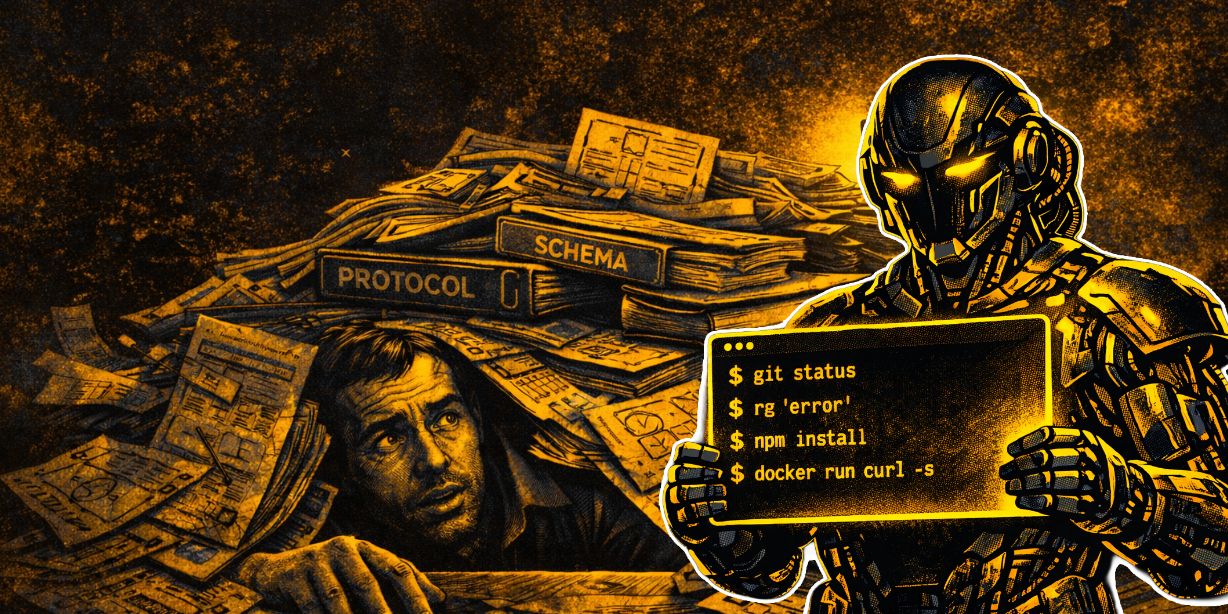
The debate around MCP vs CLI for AI development has reached a tipping point in 2026.
What started as promising standardisation for AI agent tooling has become, for most development workflows, an exercise in over-engineering. While the Model Context Protocol (MCP) promised structured, type-safe tool servers, the reality is that the majority of teams building with AI agents are abandoning the framework and returning to something far simpler: direct shell access.
The shift isn't happening because MCP failed technically. It's happening because, for everyday coding tasks, bash and the Unix toolchain deliver faster results with less overhead. Developers shipping the cleanest, most functional AI-powered code today aren't wrestling with custom server schemas - they're giving Claude, GPT or Gemini direct terminal access and letting decades-old tools do the work.
The MCP Promise vs Reality
When Anthropic introduced MCP, the value proposition was clear: standardised tool servers that AI agents could reliably call, with strong typing and proper schema documentation. For enterprise environments managing complex SaaS integrations across regulated systems, this made sense. Type safety, audit trails and controlled access patterns are non-negotiable in those contexts.
But for the majority of development work - building features, fixing bugs, running tests, deploying code - MCP introduces friction:
• Token overhead from verbose tool catalogues consuming precious context window space
• Reinventing functionality that official CLIs already provide more reliably
• Loss of Unix composability - no piping, chaining or quick one-off hacks
• Misalignment with how frontier models were trained - on shell commands, not custom protocols
The fundamental issue is that modern AI models like Claude Sonnet, GPT-4 and Gemini were extensively trained on shell usage. They understand command flags, error messages, piping patterns and man-page documentation exceptionally well. MCP asks them to operate through an abstraction layer they weren't optimised for.
Why CLI-Native Agents Are Winning
The pattern emerging across high-performing development teams is remarkably consistent: give the AI agent terminal access within your project directory, set appropriate safeguards and let it work. The agent plans, executes commands, edits files, runs tests, commits changes and iterates, all within a tight feedback loop that feels genuinely productive.
Real-World Workflow Examples
Monorepo-Wide Refactor
The agent starts by searching for the deprecated function:
rg "oldDeprecatedFunction" .From there, it plans targeted edits across files, applies changes, reviews with git diff, runs the test suite (npm test or cargo test) and commits with a clean message. No GitHub MCP server needed, no bloated context, just ripgrep, git and the existing test runner.
Full-Stack Debugging
When tasked with reproducing an authentication failure in staging, the agent pulls the latest code, installs dependencies, starts the development server, tails the error logs, probes endpoints with curl, spins up required services via Docker Compose and runs targeted tests. It iterates by editing files, re-running tests and checking results, all through standard tools that have existed for decades.
Scaffolding a New Service
Building a Rust API for user profiles using Axum and SQLx? The agent initialises the project, adds dependencies, sets up live reload and validates the health endpoint
cargo new --bin user-service
cargo add axum sqlx --features postgres
cargo watch -x run
curl localhost:3000/health
It commits progress incrementally. No Rust MCP server, no database MCP integration - the existing Cargo toolchain handles everything.
The Tools AI Agents Already Know
The Unix philosophy of small, composable tools that do one thing well has proven remarkably durable. Modern AI agents leverage this ecosystem fluently:
bash, git, rg, grep, npm, docker, curl, jq, tailThese aren't niche utilities. They're battle-tested, documented and understood by every frontier model. When an agent encounters an error, it knows how to parse stderr, adjust flags and retry. It understands how to pipe outputs, chain commands and debug incrementally. This fluency is the result of extensive training on real-world codebases and developer workflows.
When MCP Still Makes Sense (Enterprise Context)
Despite the broader trend toward CLI-native development, MCP retains genuine value in specific enterprise scenarios:
• Type-safe integration with proprietary SaaS platforms requiring structured contracts
• Regulated environments demanding audit trails and controlled access patterns
• Complex internal tooling where schema validation prevents costly errors
• Multi-tenant systems requiring strict permission boundaries between agents
For organisations operating in these contexts, the overhead MCP introduces is justified by the control and safety it provides. But this represents perhaps 10-20% of development workflows. For the remaining 80-90%, CLI-native approaches deliver better velocity with less complexity.
If your organisation is evaluating AI tooling strategies and unsure whether your requirements justify MCP's complexity, an AI Readiness Assessment can clarify where your workflows sit on this spectrum. Understanding your actual integration points, security requirements and development patterns helps avoid over-engineering solutions that slow teams down.
Making the Right Choice for Your Team
The most effective approach depends on your actual requirements, not theoretical benefits. Teams seeing the highest productivity gains from AI agents share a few characteristics:
• They start with the simplest viable implementation - usually CLI-native
• They measure actual velocity improvements rather than assuming benefits
• They only add complexity (like MCP) when clear requirements justify it
• They focus on transparent agent behaviour, making it easy to debug what's happening
Many organisations benefit from structured workshops to evaluate tooling options against real workflows. An AI Workshop can help map your current development processes, identify where AI agents would provide genuine leverage and determine whether CLI-native approaches or more structured protocols like MCP align better with your team's needs and constraints.
Once you've identified the right technical approach, translating that into a concrete implementation plan requires clarity around sequencing, resource allocation and success metrics. This is where an AI Roadmap proves valuable by laying out exactly how to move from current state to effective AI-assisted development without disrupting existing workflows or wasting time on tools that don't fit.
The Pattern Developers Keep Reporting
Across teams that have shifted to CLI-native AI development, the feedback is remarkably consistent:
• Higher velocity on shipping features and fixes
• Fewer unexpected token consumption spikes
• More transparent agent behaviour, making debugging straightforward
• Less context switching between different tooling paradigms
The sentiment emerging from this shift can be summarised in a few recurring phrases: "Stop building integrations. Build CLIs." "Bash is the ultimate MCP." "Agents were trained on Unix pipes—they're ridiculously good at it." "CLI is all you need. Everything else is ceremony."
The Terminal Was Always the Universal Interface
In 2026, the terminal has proven to be not just a universal development environment but also the most powerful interface for AI coding agents. For the vast majority of teams, the fastest path to productive AI-assisted development isn't through elaborate protocol servers, it's through the tools that have powered software development for decades.
Unless you're operating deep inside proprietary enterprise tooling with strict compliance requirements, the evidence suggests skipping the heavy MCP stack. Change into your project directory, launch your preferred CLI agent, grant it shell access with appropriate safeguards, describe the task and let it work. The results speak for themselves.
For organisations looking to implement AI agents effectively without over-engineering the solution, AI Implementation support can help navigate the practical considerations, from setting up secure shell access and establishing guardrails to training teams on effective agent collaboration patterns. The goal isn't adopting the most sophisticated technology; it's deploying the tools that deliver measurable improvements to how your team ships software.
Do you want to understand whether CLI-native agents or structured protocols like MCP fit your development workflows better? AI Expert helps UK SMEs cut through the hype and implement AI solutions that actually improve velocity. Take our free AI Readiness Assessment to see where you stand.
%20(1).png)
%20(1).png)
%20(1).png)